
How to move your balance

- Click Dompet Saya (My Wallet) at the top right, then choose the Saldo / Transfer tab.
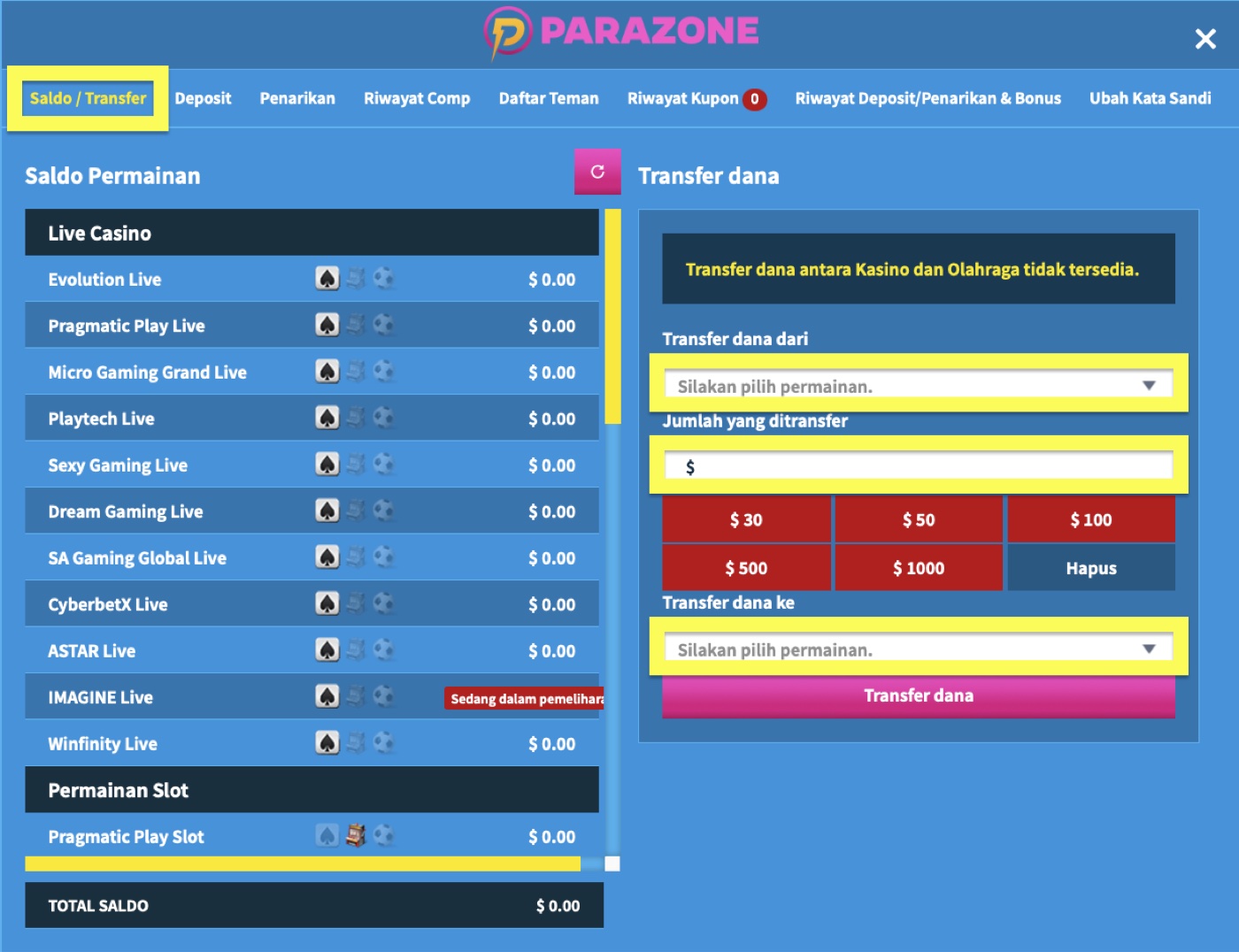
- Choose the source game under Transfer dana dari (transfer from), enter the amount in US dollars (USD) under Jumlah yang ditransfer (amount), then choose the destination game under Transfer dana ke (transfer to).
- Check your choices and the amount, then click Transfer dana.
Things to note
Balance cannot be moved between casino/slots and sports, in either direction.