
How to change your password

- Click Dompet Saya (My Wallet) at the top right, then choose Ubah Kata Sandi (Change Password).
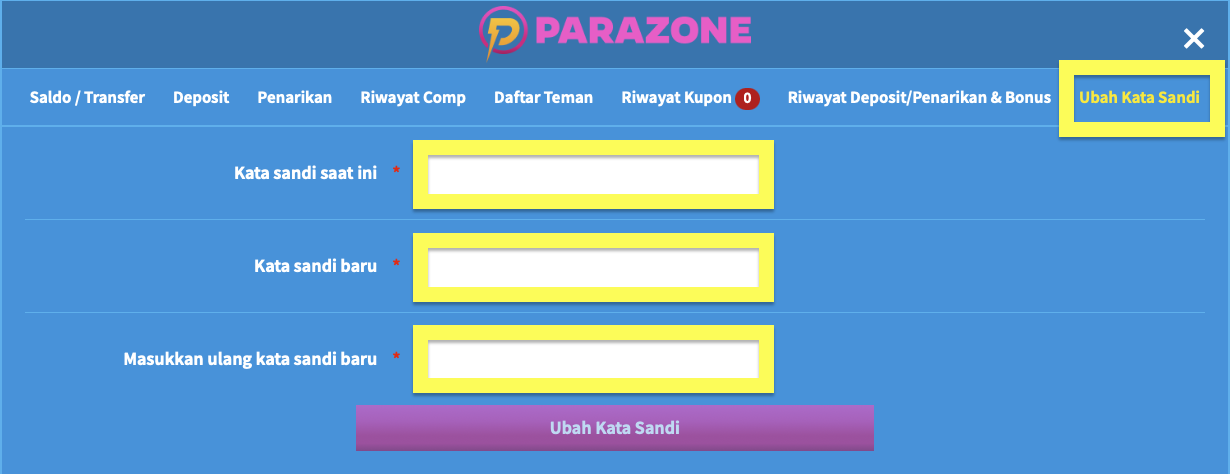
- Enter your current password in Kata sandi saat ini, then your new password in Kata sandi baru. Type the new password again in Masukkan ulang kata sandi baru, then click Ubah Kata Sandi.
Things to note
- If you can't log in after changing your password, check whether your browser is still filling in the old password automatically.
If your browser's automatic password fill is turned on, you cannot log in after changing your password (it fills in your old password). Always type your password manually.